

The best crypto profit calculator is not necessarily the one with the most fields. It is the one whose definition of investment, fees, proceeds, and return matches the question you are trying to answer.
We tested five public calculators with the closest possible version of the same Bitcoin example. All five were free to use without creating an account, but their reported profit ranged from $225.00 to $235.13. The price move was identical. The difference came from fee treatment and the denominator used for return.
Disclosure: Forvest publishes this comparison and operates one of the calculators tested. We used the same documented process for every tool, recorded the displayed output, and include Forvest’s limitations alongside the others. Tests were completed on August 9, 2026. Features and availability can change.
Best crypto profit calculators: quick comparison
| Calculator | Best fit in our test | Displayed profit | Fee input | Account needed? |
|---|---|---|---|---|
| Forvest | Testing one price scenario across supported coins | $235.13 | Buy and exit percentages | No |
| MoneyFlock | Auditing several fee types and break-even | $227.50 | Percent, spread, gas, withdrawal | No |
| Fox Periodical | A simple quantity-based calculation | $227.50 | One percentage for both sides | No |
| CoinCodex | A quick investment-budget scenario | $225.00 | Flat buy and exit amounts | No |
| Blockchain Bubbles | Manual spot P&L with flat fees | $225.00 | Flat buy and sell amounts | No |
This table is a functional comparison, not a claim that one provider is universally safer or better. A calculator does not verify your exchange statement, cost-basis method, tax treatment, or the accuracy of the prices and fees you enter.
How we tested the calculators
We used a simple hypothetical Bitcoin trade so that every number could be checked by hand.
| Input | Test value |
|---|---|
| Gross purchase value | $1,000 |
| Quantity for quantity-based tools | 0.05 BTC |
| Buy price | $20,000 per BTC |
| Sell price | $25,000 per BTC |
| Buy fee | 1% or $10 |
| Sell fee | 1% or $12.50 on 0.05 BTC |
Under a cost-basis method where the buy fee is paid in addition to the $1,000 purchase, the hand calculation is:
- Total cost = $1,000 + $10 = $1,010
- Gross sale value = 0.05 × $25,000 = $1,250
- Net proceeds = $1,250 − $12.50 = $1,237.50
- Profit = $1,237.50 − $1,010 = $227.50
- ROI = $227.50 ÷ $1,010 = 22.52%
Investment-based tools can interpret the $1,000 differently: some treat it as a total budget and remove the buy fee before calculating the coin quantity. That is a different transaction, even when the visible inputs look similar. We recorded each tool’s output rather than forcing it to match our preferred formula.
We also checked whether the public calculator accepted buy and sell fees, handled multiple purchase lots or DCA directly, required an account, offered a visible save or export option, and requested a wallet or exchange connection. We did not connect an account or wallet, test paid tax-report products, or audit any provider’s code or security controls.
Test results and why the outputs differ
| Tool | Other displayed values | What the output indicates |
|---|---|---|
| Forvest | Invested $990; current value $1,225.13; return 23.75% | The 1% entry fee reduced the amount treated as invested, and the return used that post-fee amount. |
| MoneyFlock | Total cost about $1.01K; net sale revenue about $1.24K; return 22.52% | The fee was added to cost and deducted from proceeds, matching the hand calculation. |
| Fox Periodical | Profit $227.50; return 22.52% | The shared 1% fee was applied to both the purchase cost and sale proceeds. |
| CoinCodex | Total investment $1,000; total exit $1,225; return 22.50% | The documented formula removes the buy fee from the budget before applying the price change. |
| Blockchain Bubbles | Net investment $990; exit value $1,225; total fees $22.50; return 22.50% | The displayed result treated the buy fee as reducing deployable capital. |
This does not mean that a result is automatically “wrong.” It means you must identify what the input represents. Ask whether investment means gross purchase value, total cash paid, or money remaining after the entry fee. Then check whether ROI divides profit by gross investment, post-fee capital, or total cost.
1. Forvest Profit Calculator: best for comparing supported coins in one workflow
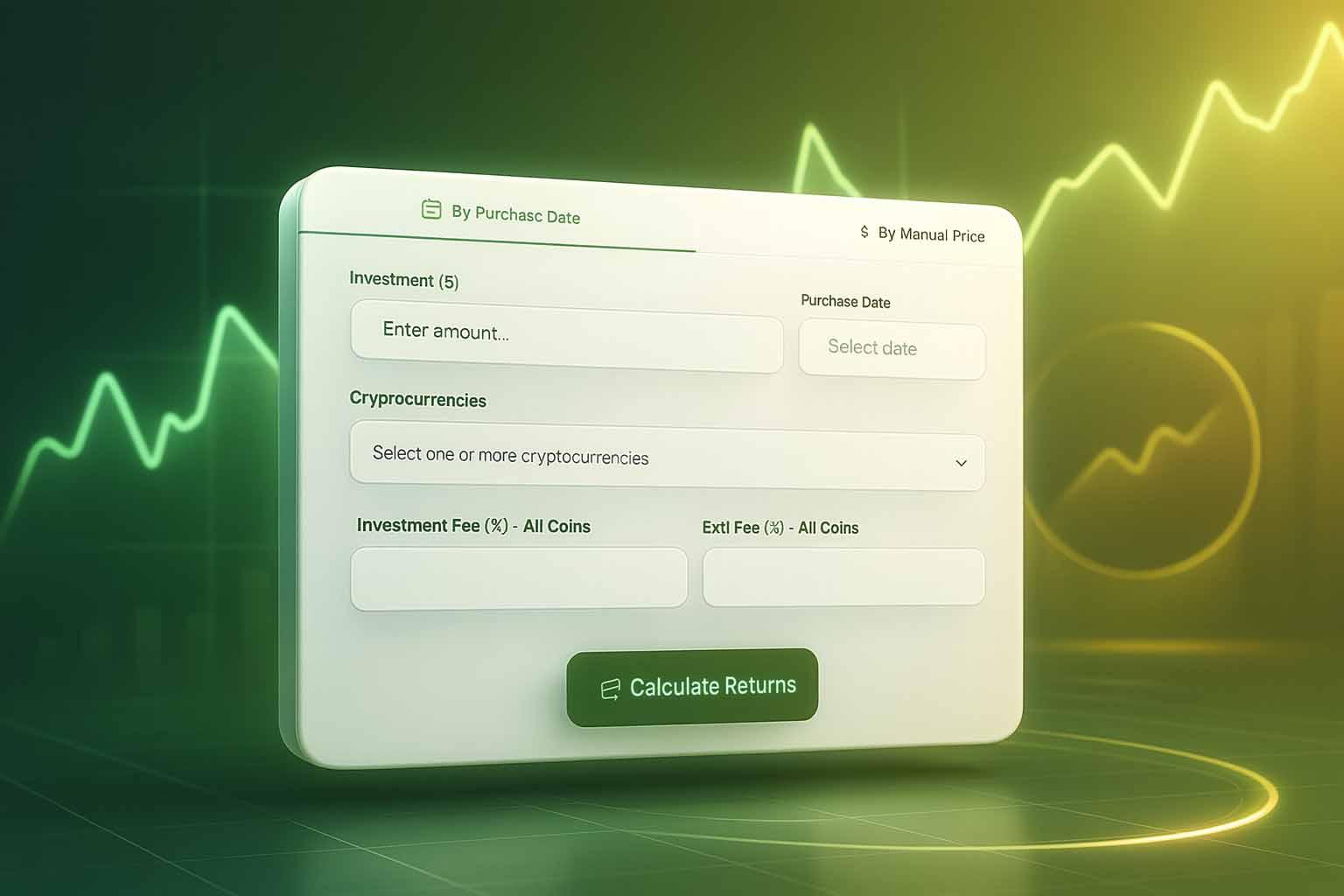
The Forvest Crypto Profit Calculator offers two methods: manual buy and current prices, or dates that use market-price data. The public interface accepts an investment amount, one or more supported coins, and separate percentage fields for investment and exit fees. It produced a result without requiring an account or wallet connection.
What worked well:
- manual-price and date-based modes;
- separate entry and exit fee percentages;
- selection of multiple supported coins for scenario comparison;
- clear portfolio value, profit/loss, and percentage output.
Important limitation: In our test, Forvest displayed $990 as the invested amount after a 1% fee on a $1,000 input, then reported profit relative to that post-fee amount. If your question is “How much cash did I make after every dollar paid?”, compare the output with your actual cash outlay or use the ledger method in our guide to calculating crypto profit after multiple buys and fees.
The public profit calculator did not provide separate rows for multiple purchases of the same asset, nor a visible export function during our test. Use a weighted average cost before entering a DCA position.
2. MoneyFlock: best fee breakdown in this test
MoneyFlock’s public calculator accepted a coin quantity, buy and sell prices, separate percentage fees, network or gas fees, withdrawal fees, and a spread percentage. It reported net profit, ROI, total cost, net sale revenue, break-even price, cost basis per coin, and a fee breakdown.
For our example, it returned $227.50 profit and 22.52% ROI, matching the hand calculation. The public page required no sign-up.
Best for: a user who knows the coin quantity and wants to see how several explicit costs affect break-even. Limitation: it is still a single-position model. It did not accept multiple dated purchase lots or import transaction history in the tested calculator.
3. Fox Periodical: best simple quantity-based check
Fox Periodical offered the cleanest minimal form: buy price, sell price, quantity, and one percentage fee applied on both sides. The page stated that no sign-up was required and that the calculation ran in the browser.
It returned $227.50 profit and 22.52% ROI for the test case. Its formula was also shown on the page, making the output easy to audit.
Best for: a quick spot-trade check when the same percentage fee applies to entry and exit. Limitations: there are no separate buy and sell percentages in the tested form, no fixed gas or withdrawal fields, and no direct multiple-buy workflow.
4. CoinCodex: best for a quick budget-based scenario
CoinCodex accepted investment amount, buy price, sell price, and flat investment and exit fees. It also linked to separate portfolio and DCA tools. The public profit calculator worked without an account.
It returned $225 profit, 22.50% return, and $1,225 total exit amount. That result matches CoinCodex’s displayed formula: the investment fee is removed from the entered budget before the price ratio is applied, then the original investment and exit fee are subtracted.
Best for: “If this is my total budget, what could the outcome be?” Limitation: a flat fee must be converted manually from a percentage, and the public form does not process several historical purchase lots.
5. Blockchain Bubbles: useful flat-fee spot calculator
Blockchain Bubbles accepted manual buy and sell prices, an investment amount, and flat-dollar fees. Its page stated that the tool was free, required no sign-up, and saved no data.
The tested output was $225 profit and 22.50% ROI, with $990 shown as net investment and $1,225 as total exit value. The site also linked to a separate DCA calculator for weighted-average work.
Best for: a basic budget-style scenario with known flat costs. Limitation: like CoinCodex, its fee treatment reflects a budget-based interpretation rather than adding the buy fee to total cash paid.
Which calculator handles DCA and multiple buys?
None of the five public profit forms accepted a full transaction ledger with several dated buys and partial sells. Some linked to a separate DCA calculator, but DCA simulation is not the same as calculating realized profit from an actual transaction history.
For multiple buys, first calculate weighted average cost:
Weighted average cost per coin = total acquisition cost, including eligible buy fees ÷ total units acquired
Then account for:
- the exact units sold;
- sell-side fees and withdrawal costs;
- deposits and withdrawals that are not profit;
- any units that remain unsold;
- the cost-basis method required for your reporting purpose.
Our crypto profit and portfolio calculation guide explains the full workflow. For comparing simple ROI with annualized or portfolio returns, use the crypto ROI calculator guide.
How to choose the right crypto profit calculator
| Your question | Minimum inputs or feature |
|---|---|
| What happens if price moves from A to B? | Investment or quantity, buy price, sell price |
| What is my result after exchange fees? | Separate buy and sell fees with a documented formula |
| What is my break-even price? | Total cost, projected sell fee, break-even output |
| What did I earn after multiple buys and partial sales? | Transaction ledger, quantities, dates, fees, and a defined cost-basis method |
| How is my whole portfolio performing? | Cash-flow-aware portfolio calculation, not a single-trade form |
| What do I report for tax? | A jurisdiction-appropriate tax workflow and professional guidance where needed |
Do not choose based only on the largest profit shown. Enter a small hand-checkable example first. If the result differs from your formula, find the tool’s definition of investment and fees before using it for a real decision.
Privacy, account, and export checks
All five tested public calculators worked without us creating an account or connecting a wallet or exchange. We entered only hypothetical manual values. We did not see a direct export button in these public calculator forms.
A link to create a portfolio or connect an account is a separate decision. Before importing real transaction data, review the provider’s current privacy policy, security information, permissions, retention and deletion options, and export format. Prefer read-only connections, and never provide a seed phrase or private key to a profit calculator.
Final verdict
For a detailed fee audit, MoneyFlock produced the clearest breakdown in our test. Fox Periodical was the simplest auditable quantity-based check. CoinCodex and Blockchain Bubbles worked well for budget-style scenarios, but their buy-fee interpretation must be understood. Forvest is convenient for supported-coin scenarios and percentage fees, while its post-fee investment basis means the result should be reconciled with total cash paid.
The safest workflow is to run a simple example in the Forvest Profit Calculator, reproduce it by hand, and then replace the values with your own. For DCA, multiple buys, partial sales, or reporting, move from a single calculator to a transaction ledger.
Educational note: These tools estimate outcomes from the inputs you provide. They do not predict prices, include every possible cost, or provide financial, tax, or legal advice.