


Short answer: A trading alert is a notification—not a buy or sell instruction. It tells you that a condition you defined has occurred, so you can verify price, volume, trend, liquidity and risk before acting.
| Alert type | Best use | Confirmation to check | Common false signal |
|---|---|---|---|
| Price | Entry, exit or risk level | Close above/below the level | A brief wick through the threshold |
| Volume | Unusual participation | Price direction and liquidity | One-exchange or low-liquidity spike |
| Pattern | Possible breakout or reversal | Breakout close plus volume | Incomplete or subjective pattern |
| News | Material event monitoring | Primary source and timestamp | Old, recycled or unverified headline |
| Indicator | Rules-based screening | Trend and higher timeframe | Repeated triggers in a choppy market |
| Custom | Multi-factor filtering | Every rule in the alert | Overfitted conditions |
What Are Trading Alerts?
Trading alerts are automated notifications that tell you when specific market conditions are met. They cover everything from simple triggers like price targets or sudden volume spikes to more advanced pattern-based or multi-condition rules.
At their core, trading alerts act as a personalized market watchdog. Instead of constantly monitoring charts, traders rely on Smart Crypto Alerts to stay informed in real time and react only when something meaningful happens.
Whether you’re tracking a breakout, monitoring unusual activity, or managing risk more efficiently, alerts help you stay connected to the market 24/7—without the mental fatigue of staring at charts all day.
Why Use Trading Alerts?
If market moves happen around the clock, how can one person keep up? Alerts solve this by doing the monitoring for you. They guard against missing opportunities or disasters. For instance, imagine you set a price alert at $50 for a stock. When it hits $50, you get a message to buy or sell. This lets you step away from the screen and review the market only when a planned condition occurs. Alerts also reduce emotional trading: by getting notified exactly when conditions you predetermined occur, you stick to strategy rather than panic.
What this means for you:
Setting up alerts is like having a personal trading assistant. It reduces monitoring time and supports a more systematic process, but you must still verify the alert before placing a trade.
Types of Trading Alerts:
There are many flavors of alerts, each targeting different signals. The main categories are:
- Price Alerts: Trigger when an asset’s price crosses a set level.
- Volume Alerts: Trigger on unusual trading volume.
- Pattern Alerts: Trigger when common chart patterns (like head-and-shoulders) form.
- Breaking News Alerts: Trigger when significant news or earnings hits.
- Technical Indicator Alerts: Trigger on indicator signals (RSI, MACD, etc.).
- Custom Alerts: Combine two or more conditions (e.g. price + RSI < 30).
Each alert serves a purpose. Next we’ll dive into how they work and why they help. You might even see similarities with guides on Investopedia, but Forvest’s approach adds AI-driven insight and trust scores on top, making these alerts actionable rather than just theoretical.
Price Alerts
Definition and Use Cases:
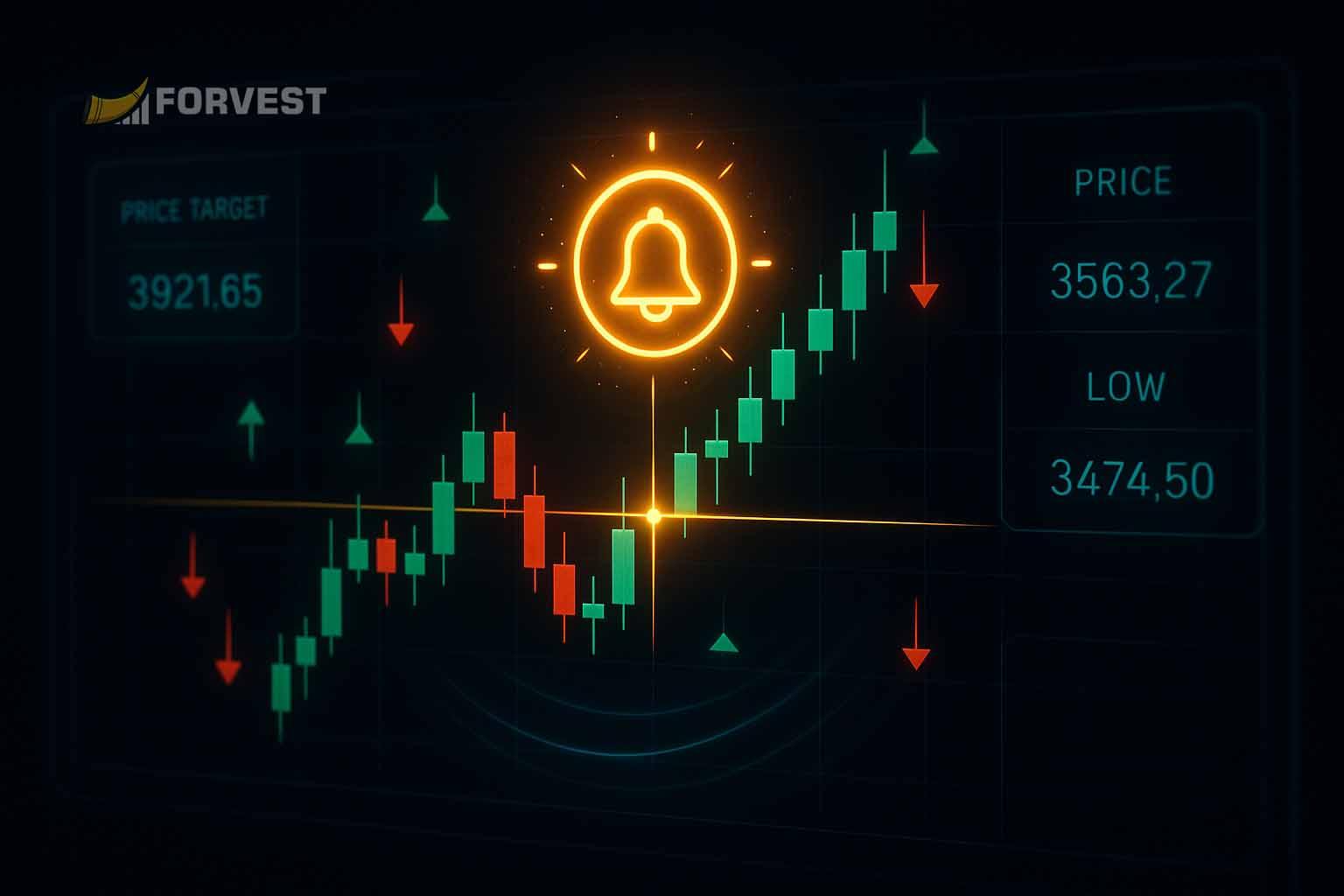
A price alert is simply a notification when an asset hits a specific price you set. For example, if you want to buy Bitcoin at $30,000, you set an alert for $30K. When BTC dips to that level, boom – your alert notifies you. Price alerts let you catch breakouts or reversals. If a stock is stuck at $100 resistance, a break above that might signal a new uptrend; set an alert to know immediately. Price alerts are the most basic and widely offered by every trading platform – they’re like the “wake me up when price hits X” of trading.
Example Scenarios:
- A trader wants to sell ETH at $4,000. Setting a price alert means they’ll be notified right when ETH touches $4,000, avoiding a sit-and-watch scenario.
- During a volatile day, a price alert can help scalp trades by signalling tiny moves (e.g., “alert me if stock drops below $25”).
| Alert Type | What It Tracks | Example Use |
| Price Thresholds | Asset price reaches a set value | Notify when BTC ≥ $30,000 for sell decisions |
| Price Change (%) | Price moves by a certain percentage | Alert if stock rises 5% in a day |
| Support/Resistance | Breakout or bounce at technical levels | Alarm if stock breaks below support at $50 |
What this means for you:
With price alerts, you won’t miss your exact entry or exit points. For example, setting an alert at your target price means you never have to stare at a chart waiting – you’ll act as soon as your plan is triggered.
Volume Alerts
Definition and How Volume Alerts Help Traders:
A volume alert notifies you when trading activity spikes above (or below) a set threshold. High volume often confirms that a price move is real and not just noise. For example, if a stock normally trades 10,000 shares a day, you might set an alert for a jump to 50,000 shares. When it hits that level, it suggests big players are moving in – maybe a breakout or crash is coming. Alerts on volume changes can reveal hidden moves. For instance, traders often watch on-balance volume (OBV), a popular indicator of buying/selling pressure. A sudden OBV spike might trigger a custom alert.
According to financial platforms, users can set alerts for percentage changes in trading volume, signaling “intense buying or selling pressure”. In simple terms, volume alerts tell you “attention, traders are piling in on this asset now” so you can check if it’s worth acting on.
Key Takeaway
“Volume spikes are often the earliest warning that the market is heating up. When unusual activity happens, treat it as a signal to pause, analyze, and confirm whether it’s a real breakout or just noise.”
What this means for you:
Being notified of volume surges keeps you ahead of big moves. A volume alert might warn you “Hey, this crypto just got pumped!” so you can investigate and decide if it’s a breakout to ride or a fake-out to avoid.
Pattern Alerts
What Are Pattern Alerts?
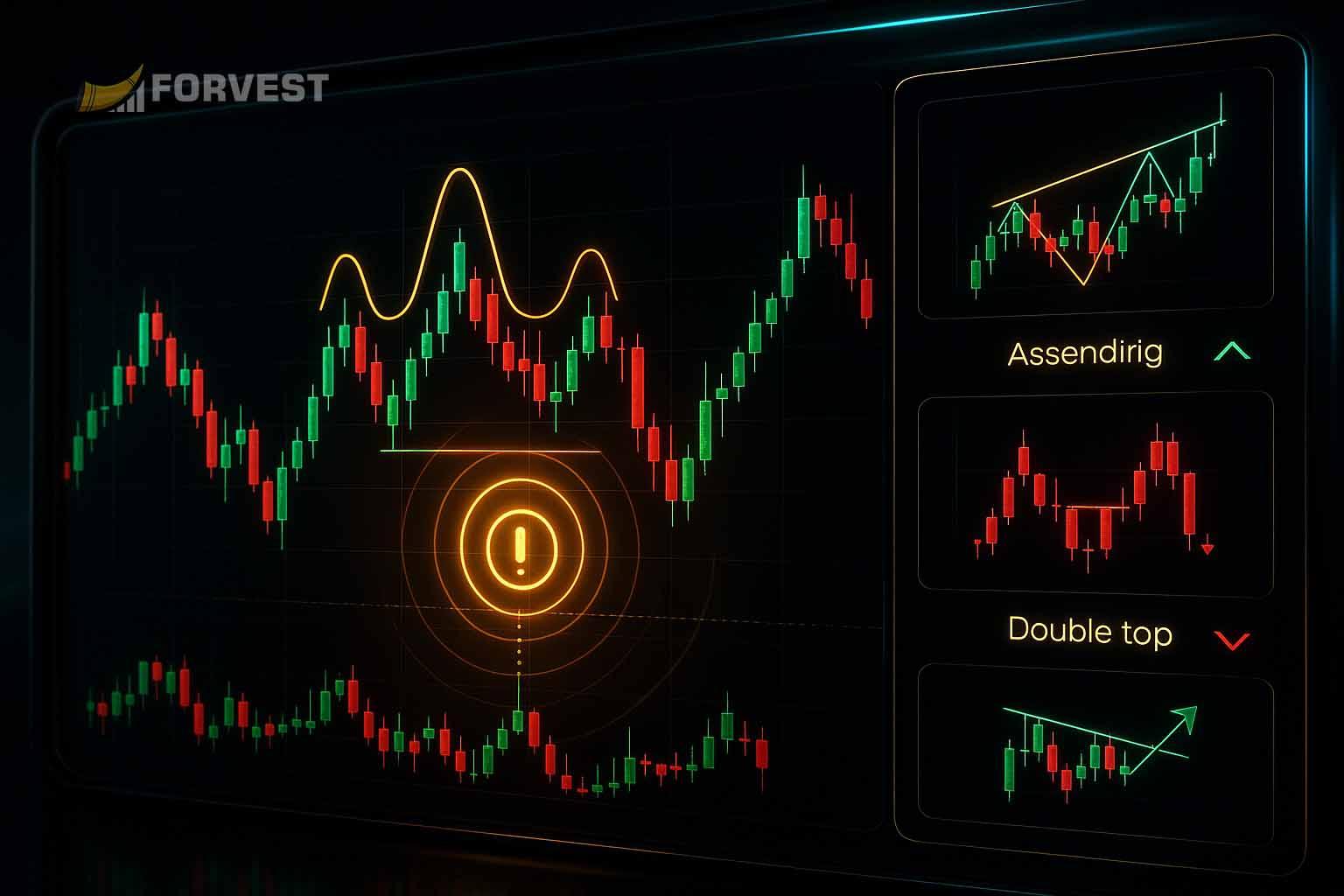
Pattern alerts flag chart formations that may precede a move, but no pattern predicts the next price with certainty. They leverage technical analysis patterns like head-and-shoulders, double tops/bottoms, or triangles. When the software recognizes one of these shapes forming or breaking out, it fires an alert. For example, a head-and-shoulders top is a bearish reversal pattern; an alert on its “neckline” break signals a likely downturn. Platforms like TradingView let you automatically detect patterns and alert on them.
Common patterns include head-and-shoulders (reversal), double top/bottom (reversal), ascending/descending triangles (continuation), and flags (continuation). Using pattern alerts means your trading app spots these for you in real time.
“In July 2024, a trader spotted a head-and-shoulders pattern on Ethereum. By setting a pattern alert, they exited before a 12% drop. Without the alert, they admitted they would have held too long. This shows how automated pattern detection can save real money in fast-moving markets.”
What this means for you:
With pattern alerts, you get an advance warning of trend changes. For instance, if a head-and-shoulders completes, the alert can save you from holding a position into a reversal. This turns technical analysis from “detect manually” into an automated signal.
Breaking News Alerts
How News Impacts Trades:
News can jolt markets. A single announcement (earnings beats, regulatory news, new listing) can swing prices dramatically. Breaking news alerts monitor news feeds and notify you when relevant headlines drop. You might configure alerts for “earnings reports from companies on my watchlist” or “DeFi regulation updates”.
Trading platforms often integrate news and allow alerts for news events. For example, you can get alerted when a crypto project publishes a major announcement or when the Fed releases statements. These alerts prevent you from being blindsided. Imagine a hot news story breaking while you’re away – a good news alert pings and you can decide to buy; bad news pings and you can sell or hedge.
What this means for you:
News alerts keep you in the loop. They let you focus on strategies while the system grabs market-moving headlines for you. If Coinbase lists a new coin or the SEC sues a major crypto, your alert will catch it immediately.
Technical Indicator Alerts
Popular Technical Indicators:
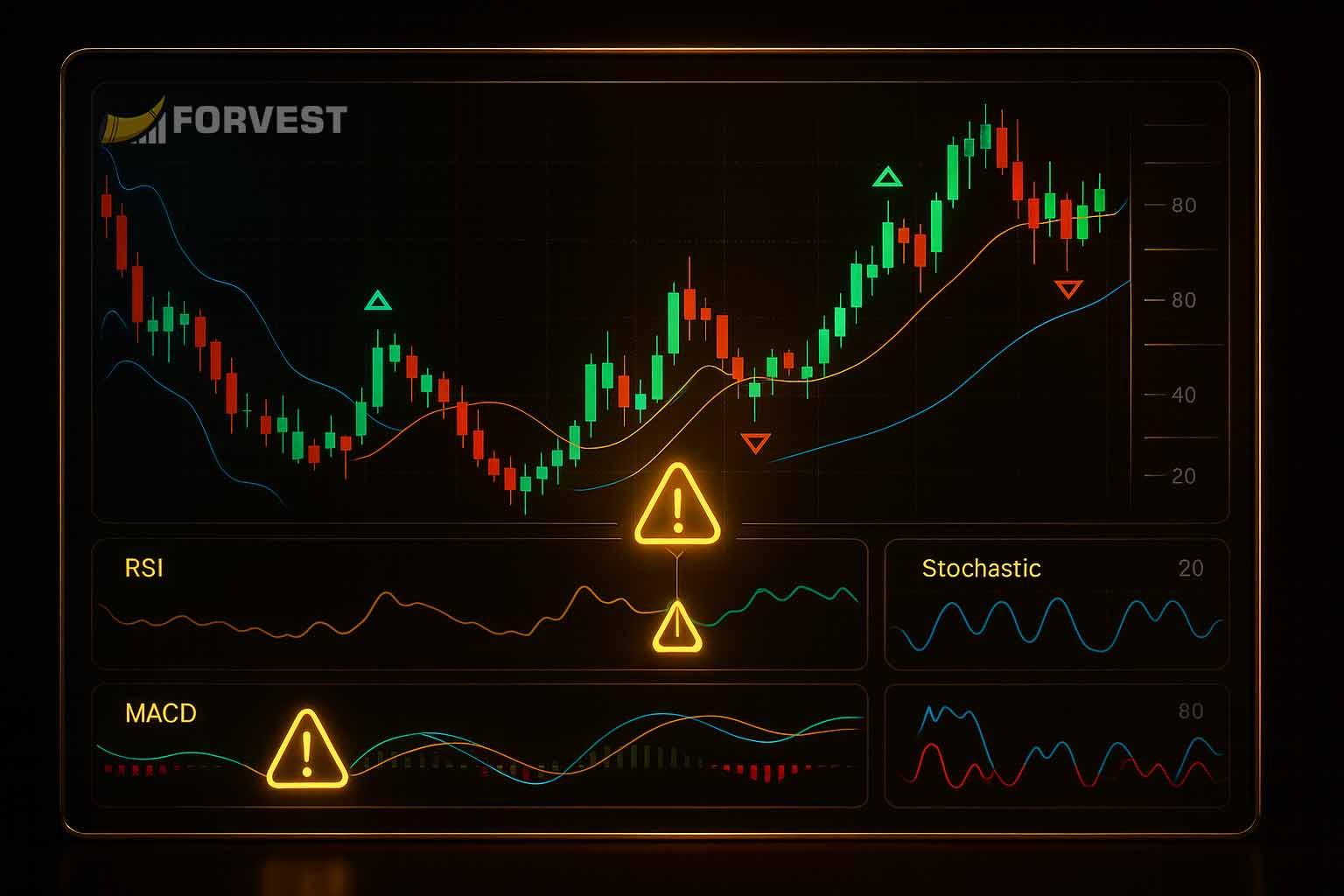
These alerts trigger on indicator signals. You can alert on almost any technical tool: RSI (relative strength index) overbought/oversold levels, MACD crossovers, moving average crossovers, Bollinger Band touch, Stochastic Oscillator signals, and more. As Investopedia notes, RSI and MACD help identify overbought/oversold conditions.
For example, set an alert for “RSI drops below 30” (oversold) or “MACD line crosses above signal line” (bullish signal). When that happens, you get a notification and can check if it’s a buy/sell opportunity. These are more advanced than basic price alerts and often require platforms like TradingView or Thinkorswim.What this means for you: Indicator alerts automate your favorite formulas. Instead of constantly checking the RSI or MACD charts for signals, you get notified exactly when the conditions meet your strategy. This lets you combine quantitative strategies with real-time alerts.
Custom Alerts
You can also create custom alerts that require multiple conditions. Most advanced platforms (TradingView, etc.) allow combining conditions with AND/OR logic. For example, you could set an alert only when (price > $100 AND volume > 200% of average) to filter out weak moves. Or (RSI < 30 OR MACD bullish) to get signals from any momentum indicator.
Custom alerts are great for specificity. Maybe you only want notified if Bitcoin is near a support level and the daily volume surges. Or in crypto, you could say “alert me if Ethereum’s price drops 5% and social sentiment spikes negatively”. These multi-condition alerts are powerful risk filters. They turn vague data into precise signals tailored to your playstyle.
What this means for you:
Custom alerts mean “only buzz me for the best trades.” Combining criteria cuts down on noise. For instance, a price alert alone might fire constantly in a choppy market – but tying it to volume or an RSI level ensures you only hear about serious moves.
How to Set Up Trading Alerts: Platforms and Tools
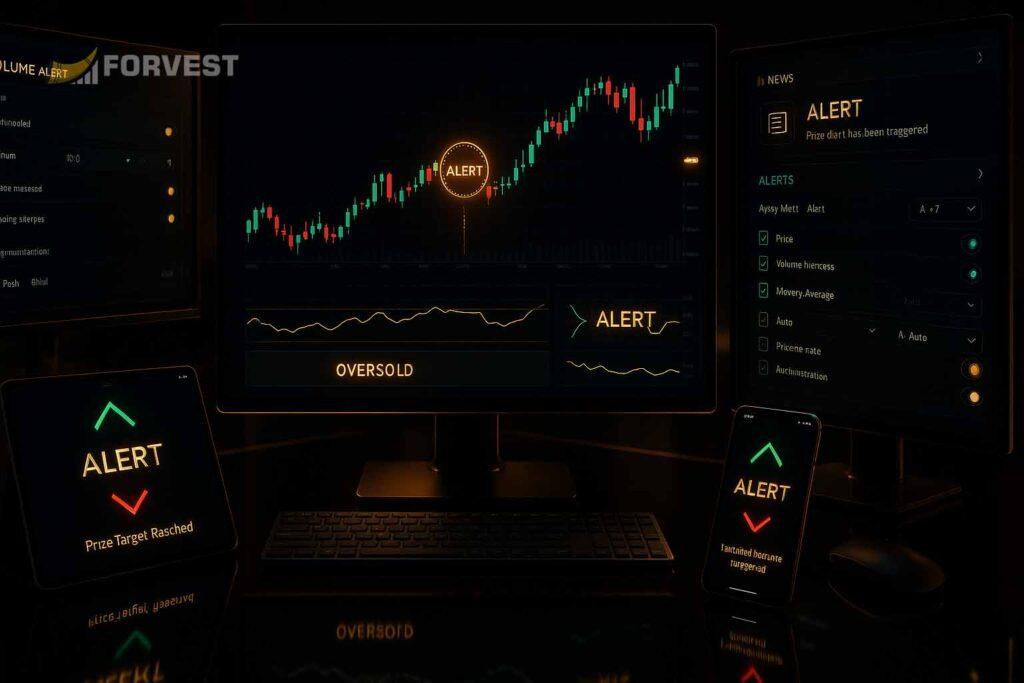
Alerts are typically set up on trading platforms or apps. Popular options include TradingView (very flexible alerts on many exchanges), broker platforms like thinkorswim or Interactive Brokers, and crypto exchanges (Binance, Coinbase) offering basic alerts. Each tool varies: some only do price/volume, others do patterns and indicators.
Forvest’s Fortuna AI assistant integrates alerts with trust score analytics, but even without it, try these:
- TradingView: Create alerts on price, indicators, or even custom Pine scripts (pattern detection). You get popups, email, or Telegram notifications.
- Thinkorswim/TD Ameritrade: Rich alert system for stocks/crypto – price moves, technical studies, and news filters.
- Crypto Exchanges: Many have price alerts via app notification; some allow simple indicators.
| Platform/Tool | Alert Capabilities | Notes |
| TradingView | Price targets, indicators, patterns, custom scripts | Highly customizable; widely used by traders |
| Broker (thinkorswim, IBKR) | Price & volume alerts, scan alerts, news alerts | Good for stock/futures traders; desktop apps |
| Crypto Exchanges | Price alerts, volume alerts (vary by platform) | Mobile-centric alerts; limited indicators |
| Forvest (Fortuna AI) | Alert for Trust Score changes, news review, price triggers | AI-driven trust score adds an extra filter |
What this means for you:
Setting up alerts is quick once you pick a platform. Think of it like programming your criteria into the app. Once active, it will watch while you focus on strategy. If you’re using Forvest, our built-in alert system ties into AI analysis, giving you extra confidence in signals.
Best Practices for Using Trading Alerts Effectively
Don’t create too many alerts:
An overload of alerts can become noise. Focus on the most important conditions.
Test and refine:
Treat alerts like any tool – backtest your triggers (e.g. did RSI<30 catch good buys for you?). Then adjust thresholds or add conditions as needed.
Combine alerts with analysis:
An alert is a signal, not an automatic trade instruction. When one fires, quickly check fundamentals or charts. For example, a price alert on a pump alert should be confirmed by why it’s moving.
Regularly update alerts:
Market regimes change. Reset or update your levels periodically (e.g. new support/resistance after big moves).
- Do: Use alerts as part of a disciplined plan. Incorporate them into a broader strategy (see advanced risk management strategies and our Trust Score Analysis🛈 for added insight).
- Don’t: Rely blindly on any single alert or ignore context. For instance, a price alert on a low-trust altcoin without checking fundamentals might be a trap.
What this means for you:
Follow smart alert hygiene. In practice, that means verifying alerts (are conditions truly met?) and using them alongside risk controls. Alerts should enhance decision-making, not replace it.
Case Study (Anecdote):
As a part-time crypto trader, I once had only simple price alerts on Dogecoin. One evening, my phone buzzed – DOGE hit my target price, so I sold. But I later learned that huge news about a big partnership (which I hadn’t set an alert for) was about to drop, which sent DOGE much higher after I sold. I regretted that incomplete information. Learning from that, I started using both price and news alerts, and even added a custom alert (price + volume) to filter fake moves. Now I never miss a key development.
Strong opinion:
Relying on alerts without understanding them is like flying blind. The more I use alerts intelligently (testing and combining them), the more I feel in control of my trades – no more guesswork.
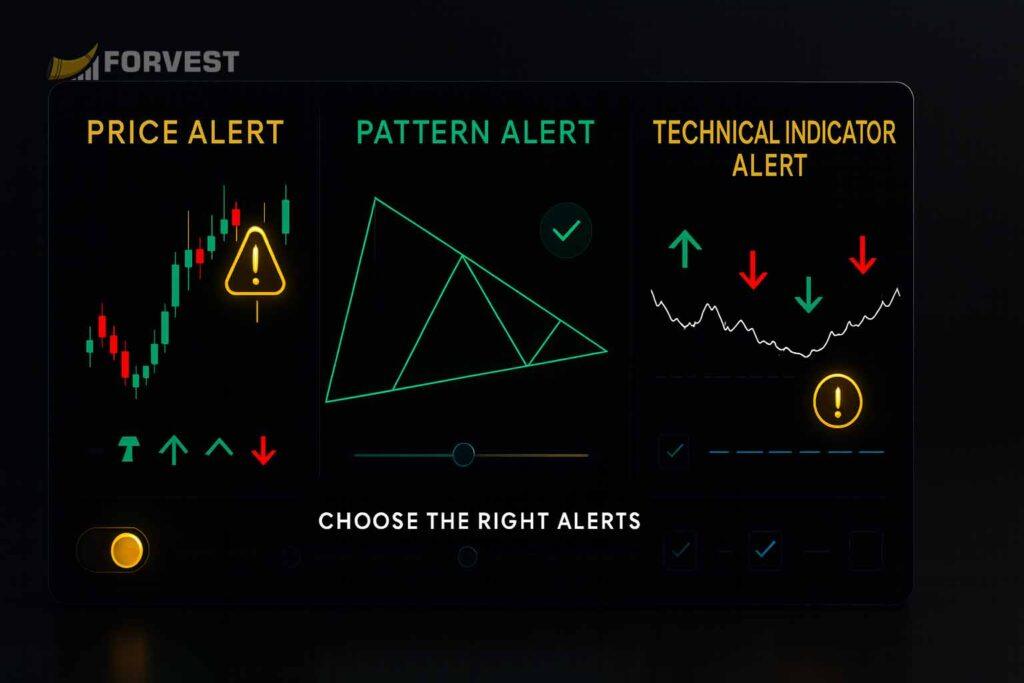
Conclusion: Choosing the Right Alerts for Your Strategy
Effective alerts depend on your trading style. Day traders may lean on fast price and volume alerts, while swing traders might focus on patterns and indicators. Crucially, combine alert tools with deeper analysis. For example, Forvest’s AI-powered Trust Score Analysis can flag fundamental risks that alerts alone might miss.
Finally, consider sources: Many sites (like Investopedia) explain alert types in theory, but Forvest’s platform goes further by integrating these alerts with AI insights and portfolio analytics. This means you not only get notifications, but can also see why a signal may matter for your holdings. Using alerts smartly – testing triggers, adding AI-backed metrics, and practicing discipline – gives you a clear edge.
In other words, choose alerts aligned with your goals and back them up with smart analysis. Whether you’re watching price, volume, patterns, or news, combining these alerts with strong risk management principles will help you trade more confidently.
If you want to structure that side properly, our guide on Crypto Portfolio Risk Management explains how to size positions, control downside risk, and avoid mistakes that hurt long-term performance.
Ready to Put Trading Alerts Into Action?
Understanding alert types is only the first step. The real advantage comes from using them inside a structured system that watches the market for you in real time.
If you want a centralized place to manage price, volume, pattern, and risk-based alerts, you can explore Forvest’s Smart Alert system, which is designed to notify you only when meaningful conditions are met — not every random price tick.
Combined with tools like Trust Score Analysis and portfolio-level insights, alerts become more than notifications — they become part of a disciplined decision-making framework.
How to Build a Useful Alert Workflow
- Start with a decision: define what you would review if the alert fires.
- Choose a measurable trigger: use a price close, percentage move, relative volume or indicator condition—not a vague idea.
- Add one confirmation: combine the trigger with trend, liquidity, volume or a higher timeframe.
- Define the invalidation point: know what would make the setup wrong before you act.
- Control noise: set a cooldown and review duplicate alerts so repeated notifications do not create alert fatigue.
- Record the outcome: track whether the alert was useful, late, noisy or misleading and refine the rule.
An alert should lead to a short review checklist, not an automatic trade. For signal context, read how to use technical indicators; for downside planning, use the crypto risk-management guide.
Alert, Signal and Order: What Is the Difference?
- Alert: a condition occurred.
- Signal: analysis suggests a possible setup.
- Order: an instruction sent to an exchange or broker.
Keeping these separate prevents a notification from becoming an unreviewed position. Forvest alerts are designed to support monitoring and decision context; they do not guarantee returns or replace risk controls.
Author Bio
The Forvest Research Team specializes in cryptocurrency market research and educational content. Leveraging AI-driven analysis and Trust Score methodologies, we aim to make crypto investing smarter and more transparent. We publish insights on portfolio management, technical analysis, and risk management to help traders at all levels.
Hey, I just stumbled onto your site… are you always this good at catching attention, or did you make it just for me? Write to me on this website — https://rb.gy/ydlgvk?elolo — my username is the same, I’ll be waiting.